For vendors listing an offer
What each network pays on bumps and one-click upsells
A larger order can still leave the referring affiliate unpaid on the extra charge.
Affiliates earn on a bump or a later upsell only when that network credits the step and you set a commission on it. ClickBank, Digistore24, JVZoo, BuyGoods and CopeCart each offer an add-on at checkout, a pitch after the first charge, or both. They differ on whether the original affiliate is paid on every later charge, whether a flat CPA fee continues, and whether the platform fee hits the combined cart or each charge on its own.
I'd run a $97 front end and a $47 add-on through the calculator before the backend percentage goes on the JV page.
Each network prints these rules on its seller pages or help center. How we research affiliate networks explains how a seller page and a long-term vendor report are weighed.
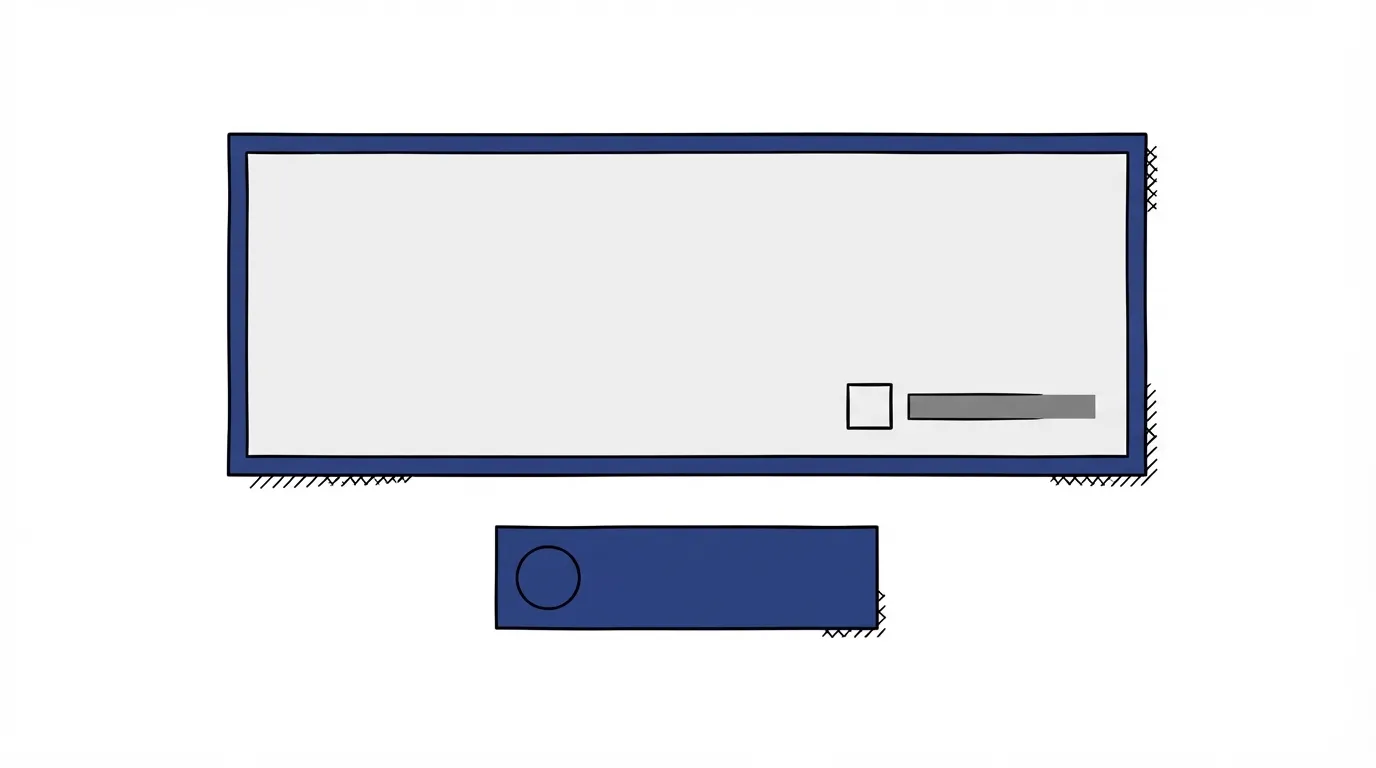
A bump, the next pitch, and a no
A bump is chosen before the first purchase is finished. ClickBank's bump article puts it on the form, as a checkbox. Digistore24 can show that add-on as an opt-out pop-up, and the vendor sets the affiliate rate on it.
The next pitch runs after that first charge, on the card already stored. Digistore24's upsell page says the buyer accepts with a single click and has nothing to fill in. ClickBank's later pitches charge that same stored payment method.
A downsell is the lower price shown after a decline. Digistore24's Conversion Cockpit can offer that cheaper alternative when the upgrade is refused. JVZoo's funnel guide sends a buyer who clicks No Thanks to Downsell 1.
When the person who sent the first click is also paid on those later charges, what they earn per click moves with the average order. A later product with no commission set leaves the extra revenue with you, and their earnings per click stay on the front end alone.
What each network's form actually supports
| Network | On the form | After payment | After a no |
|---|---|---|---|
| ClickBank | Up to five checkboxes | Up to three pitch pages | No separate branch named |
| Digistore24 | Add-on, rate configurable | Stored card, single click | Lower-priced offer |
| JVZoo | Dashboard setup | Buy path in Sales Funnels | No Thanks path |
| BuyGoods | Named on the vendor page | Upsells, same page | Unpublished |
| CopeCart | Listed with one-time offers | Upsells | Downsells |
The ClickBank vendor review covers fees beyond this checkout. On the bump itself, the overview allows up to five per product, and the step-by-step setup note caps that list at four. After the initial offer, the upsell-flow article lets sellers display up to three additional offer pages.
Digistore24's pricing page folds customizable checkout pages, bumps, single-click pitches, split testing and real-time analytics into the standard transaction fee. Its add-on page makes affiliate commission on a bump fully configurable, calculated on the total purchase or set on its own per add-on. The cheaper branch after a refusal lives in Conversion Cockpit, the same builder as the post-payment pitch. More of the vendor terms are in the Digistore24 review.
In Sales Funnels, a JVZoo vendor sends a buy click onward and a No Thanks click to the downsell. The features page says a single link for the front product cookies every later product in the funnel, including one-time offers, upsells and downsells. Checkbox setup for a bump lives in the seller dashboard. Those two public pages cover the later offers and that one link.
BuyGoods lists a live cart-abandonment program, bumps and upsells on its vendor page. That page names the features and skips both the fee and any split between the front end and a later product. The BuyGoods review collects the rest of what that company publishes.
CopeCart's English homepage advertises bumps, upsells, downsells and one-time offers, plus phone-close tooling for high-ticket funnels, and add-on offers during and after the purchase. How affiliate commission applies on a later step is left off that homepage. The CopeCart review covers the EU fee context around that checkout.
One-click upsells on an affiliate network: who gets paid
On ClickBank, the affiliate from the original sale is credited for each sale in the upsell flow, and you may choose a different commission rate for each product in that flow. The commission hierarchy keeps CPA on the initial sale only. A checked bump stays inside that initial order, with the affiliate credited for the order. Each later pitch is its own sale, at the rate you set on that product.
Affiliates ask whether a backend charge still credits the person who sent the click. On ClickBank, that referrer is credited on every sale in the flow. On Digistore24, you set the bump rate before the offer is public, either on the whole cart or on the add-on alone. On JVZoo, that same link follows them into the later products, and you set the commission there.
JVZoo's funnel guide says most marketers who run a loss-leader launch set the upsells and downsells at 50% commission, so the vendor still makes money on those products. You choose the rate that goes on each later product.
BuyGoods and CopeCart leave that split off the public pages already linked. I would get the number from the vendor agreement before promising it to affiliates.
The platform fee on one cart, or on every extra charge
When a buyer checks a ClickBank bump, the fee comes off the order as a whole. The sell page prices a sale at 7.5% plus $1.00. Each acceptance in the upsell flow is reported as its own sale.
Digistore24's pricing page advertises a starting rate of 2.9% plus $1 per sale, with no monthly fee. An upsell charged on its own is another sale at that starting rate. A bump that stays inside the first checkout is part of that one transaction. The final rate can still vary by product type, traffic source and volume. The calculator is where those two prices turn into dollars.
JVZoo's FAQ states a platform fee of 5% of every sale when you use your own processor, and 8.5% when JVZoo processes the payment. Every funnel step that charges the buyer is another sale, so the percentage is taken once per charge.
CopeCart's published EU rate, already the rate in the calculator, is 4.9% of the gross amount plus €1 per sale. A card surcharge takes effect in late October 2026. Each extra funnel charge is another transaction for that fee and for the affiliate math. Payout timing is separate from the commission on a bump. The payout timeline shows when each network sends the money.
Set every commission before you recruit
On the network order form, the upsell funnel is the bump plus every pitch after payment. Set a commission on each of those products before affiliates see the offer. On ClickBank, CPA stops at the first sale, so any later product you want to pay on needs its own revenue-share rate. The hierarchy article is where that order of rates is set.
On Digistore24, choose the bump mode before launch: commission on the total purchase, or an independent rate on the add-on.
On JVZoo, you set the commission on the later products. The 50% loss-leader line in their guide is one example, for a launch that pays heavily on the front end and keeps a margin afterward.
Those rates belong on the JV page affiliates open before they promote, next to the commission you offer on the front end. If you are still picking a network by how many times the buyer is charged, start with the networks ranked for vendors.
My take
I'd start on ClickBank when the buyer is charged once, because a checkbox stays inside the first order and the fee comes off that combined total. I'd stay on ClickBank for three pitches after payment only if I count each acceptance separately and keep CPA on the first charge. Digistore24 is the better fit when the bump commission has to differ from the front-end rate. JVZoo fits when the link on the front product has to stay attached for the whole funnel and I am setting the later commission myself. On BuyGoods and CopeCart I would wait: the public pages name the offers, and I would not publish a backend number until the agreement states the split.
Run those two prices through the calculator before the backend percentage goes on the JV page.
Related
- When a vendor gets paid
- What commission to offer affiliates
- Build the JV page affiliates promote from
- ClickBank fees, payout and compliance
- Digistore24 pricing and tax handling
- JVZoo launch terms
- Selling on BuyGoods
- CopeCart costs for EU sellers
- Best affiliate networks for vendors
- Vendor guides
- How we research affiliate networks
Sources
- ClickBank: order bump
- ClickBank: upsell flows
- ClickBank: commission hierarchy
- ClickBank: sell
- Digistore24: order bumps and add-ons
- Digistore24: one-click upsells
- Digistore24: pricing
- JVZoo: features
- JVZoo: sales funnels
- JVZoo: FAQ
- BuyGoods: vendor page
- CopeCart: English homepage
Written by
Vendor Runbook Editorial Desk
Editorial desk
The editorial desk at Vendor Runbook. It sets the testing standard the reviews are held to, signs the pages no single writer owns, and publishes the notes and dates behind every ranking. Corrections go to the contact page and are logged on the page they change.
Last checked 2026-10-18
Comments
No comments yet. Questions and your own experience are welcome.
Thank you. Your comment will appear once it has been reviewed.