For vendors named on a dispute or a tax bill
Choose who handles tax, refunds and chargebacks
A buyer disputed a charge, or a sales-tax notice arrived, and you need to know which company is responsible.
On ClickBank and Digistore24 the network is the company on the sale: ClickBank collects and remits the tax as retailer of record, and Digistore24 is the legal entity on the transaction, including tax obligations and payment liability. On JVZoo or WarriorPlus with your own Stripe or PayPal, you are the merchant the processor pays, and the marketplace keeps the affiliate record.
My take: I would use ClickBank or Digistore24 when I want the tax filing and the first reply to a card dispute in one place. I would connect my own processor on JVZoo or WarriorPlus when I want the deposit in that account and I am ready to answer the dispute myself.
Compare network checkout with your own checkout
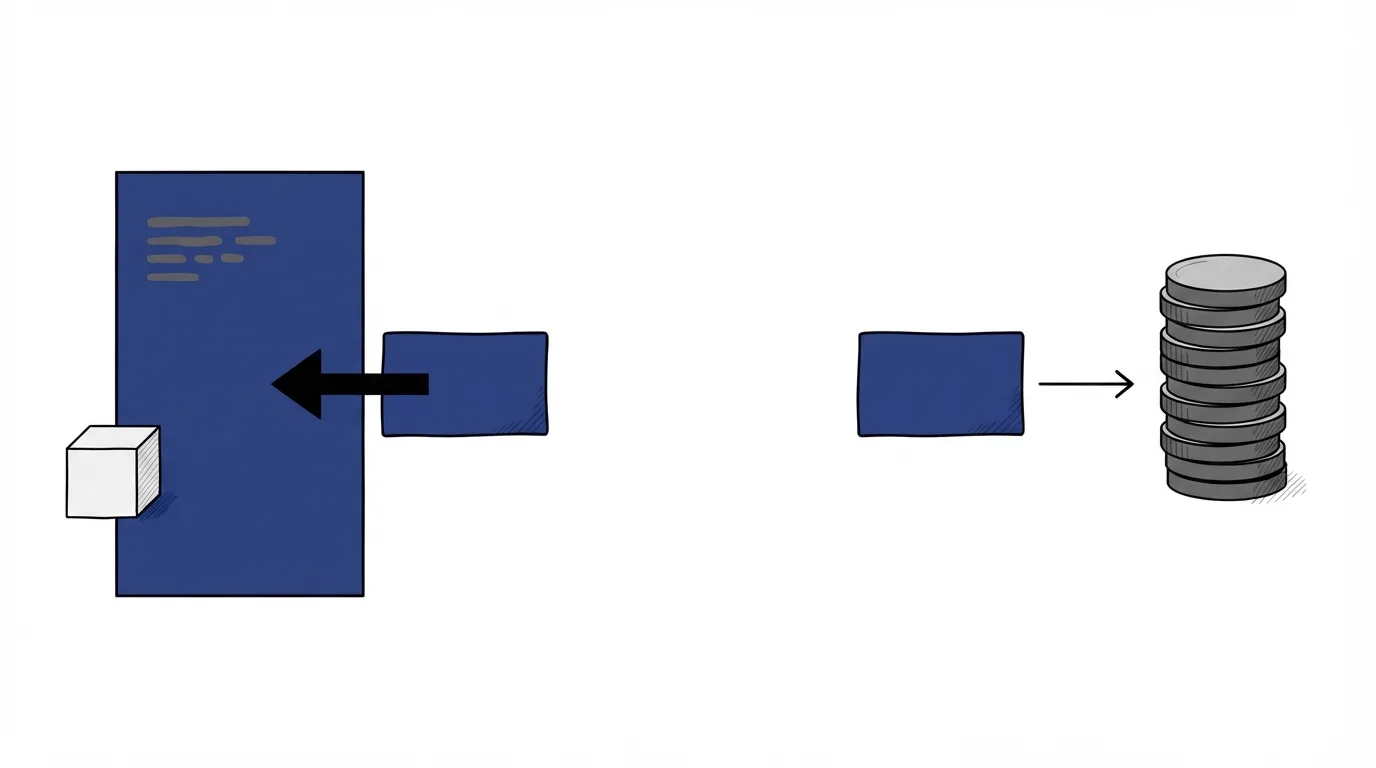
What merchant of record means on an affiliate network
Stripe's glossary defines a merchant of record as the entity legally authorized to process the customer's payment, and the party liable for the financial, legal and compliance side of that transaction.
On a network order form, that party is the network. ClickBank's accounting policy says that, as the retailer of record, ClickBank collects and remits tax on sales to end customers, based on the buyer's location. Digistore24's pricing page says Digistore24 is the legal entity responsible for every transaction, including tax obligations, payment compliance, and liability. You still write the pitch page and deliver the product you listed. The ranking's merchant of record section gives the short definition and the name that can appear on the card statement.
Merchant of record vs seller of record
The same glossary separates the two labels. A merchant of record is the entity a payment processor acknowledges as the seller, and the duties named there include tax and disputes. A seller of record is the entity selling to the customer, responsible for the transaction from a legal and financial standpoint, including delivery and customer service.
On ClickBank or Digistore24, the network is the party the processor treats as the seller on the charge. You remain the product owner who fulfills the order. When a business sells on its own website through Stripe, that glossary says the business is typically both.
Merchant of record vs payment processor
The legal role and the company that settles the card are different jobs, even when one firm does both on a simple store.
Merchant of record vs payment gateway
Stripe's gateway guide separates the two jobs. A payment gateway securely transmits the card data and facilitates authorization. A payment processor partners with the merchant to handle processing, including authorization and settlement of funds between the banks. Merchant of record vs payment gateway is that split: the gateway moves the card data, and the merchant of record is who the processor treats as the seller.
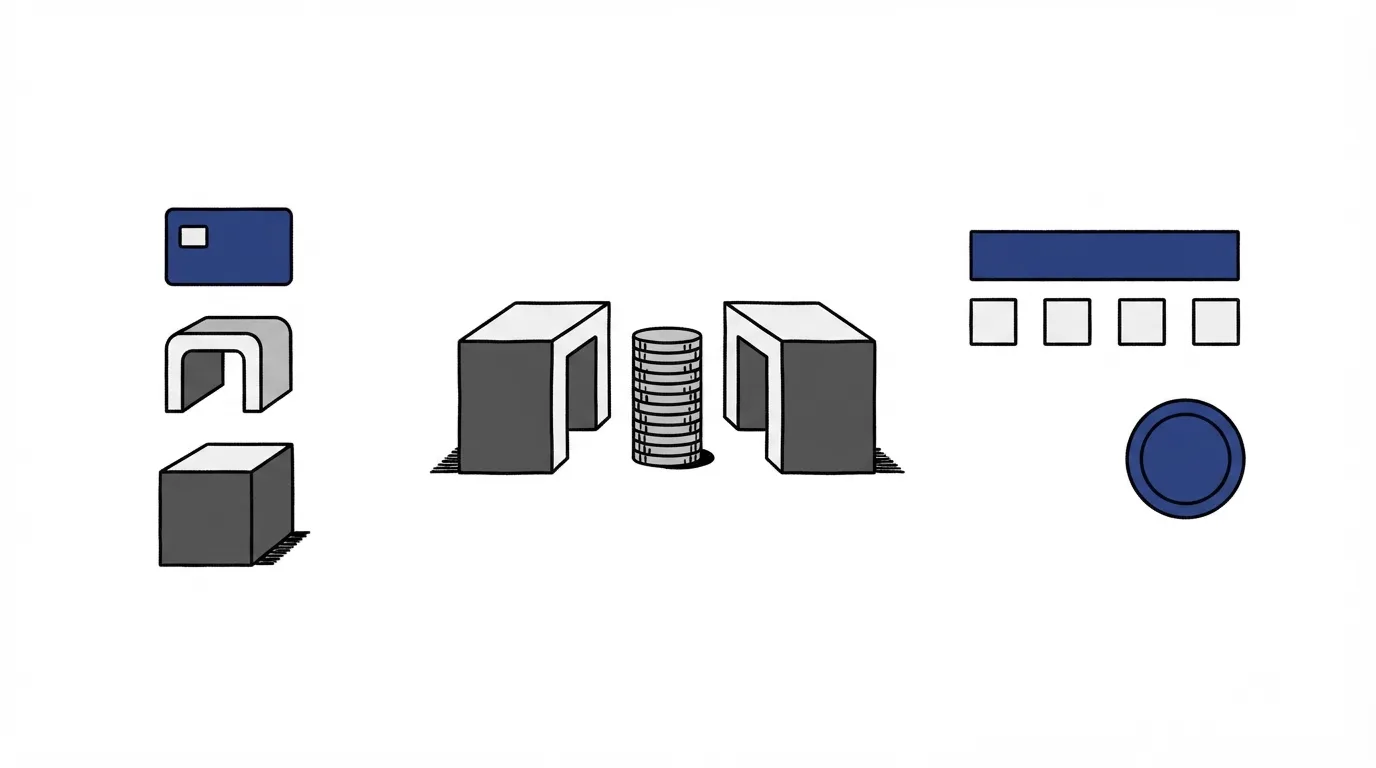
Payfac vs merchant of record
A payment facilitator aggregates many sellers under one master merchant account. Merchant of record vs payment facilitator comes down to the tax line in Stripe's glossary: a payfac does not assume responsibility for tax collection and remittance, which often remains with the individual business. A network can hold the legal role on the charge and still send the card through an underlying processor. The company that owes the tax is the one in that legal role, even when Stripe or PayPal processes the payment.
Tax, refunds and chargebacks on network checkout
ClickBank's accounting policy sets a $22 chargeback fee when the account's chargeback rate is under 1.0%. When the rate is above 1.5%, that fee is $49 plus margin. When a sale is returned, the customer receives a full refund, and the payout from that sale is debited from both the seller account and the affiliate account, which can leave the seller balance negative. How to stay under a network's published ceiling is in the chargeback rate guide. The dollar side of one dispute, network by network, is in chargeback fees and refund rules for vendors.
Digistore24 puts tax and chargeback handling inside the legal-entity role on its pricing page. The fee for that role is in the Digistore24 vendor review. The ClickBank vendor review explains which seller account those debits come out of. On this checkout, the buyer opens a payment dispute with the network, because the network processed the payment.
JVZoo and WarriorPlus with your own Stripe or PayPal
JVZoo's vendor agreement makes you solely responsible for collecting and paying any applicable state, local, or other taxes when a customer buys your product. JVZoo's FAQ says that with your own Stripe or PayPal, the revenue is deposited after the 30-day refund period. The JVZoo vendor review covers the rest of those seller terms.
JVZoo also offers its own payment processing at an 8.5% fee. On that optional path the FAQ says JVZoo handles chargebacks, refunds, fraud prevention, and payment logistics.
WarriorPlus's merchant-account article says the vendor chooses the PayPal or Stripe account that receives the payment at the time of purchase. Its refund article says the full purchase amount is then refunded from the account that received the payment, back to the customer. The same article says WarriorPlus is not directly involved in the chargeback process, and the bank or PayPal decides. The WarriorPlus vendor review and JVZoo versus WarriorPlus cover the rest of that marketplace.
PayPal on ClickBank still names ClickBank
ClickBank's January 2024 PayPal note says new PayPal purchases are processed through ClickBank's PayPal account, with ClickBank as the merchant of record. A PayPal button on that checkout still runs the payment through ClickBank's PayPal account. On JVZoo, that sale runs through the Stripe or PayPal account you connected.
Which setup fits your offer
ClickBank or Digistore24 fits when you want the company named on the receipt to handle the tax filing and the card dispute. You take that network's fees and its return rules with the sale. The ClickBank chargeback ladder above is what that arrangement costs on ClickBank.
Pick JVZoo with your own processor if you can wait until the refund window closes for the deposit, and if you will collect the sales tax the vendor agreement assigns to you. WarriorPlus is the path when you want the purchase amount in the account you selected, at the moment of the sale. A later refund or a bank decision on a chargeback then follows the help article above.
If the same product might sit on two networks, send each buyer through one checkout. The guide to listing one product on two networks shows how to keep those order forms separate. Other seller tasks are on the vendor guides hub.
Compare network checkout with your own checkout
Related
- Vendor guides hub
- Network checkout versus your own checkout
- Chargeback fees and refund rules by network
- Keeping your chargeback rate under the network limit
- How to list on two networks with one checkout per buyer
- What a merchant of record is on the best-networks roundup
- ClickBank vendor review
- Digistore24 vendor review
- JVZoo vendor review
- WarriorPlus vendor review
- JVZoo versus WarriorPlus head-to-head
- How we research affiliate networks
Sources
- Stripe: merchant of record
- Stripe: merchant of record vs seller of record
- Stripe: payment gateways
- ClickBank: accounting policy
- ClickBank: January 2024 PayPal updates
- Digistore24: pricing
- JVZoo: vendor agreement
- JVZoo: FAQ
- WarriorPlus: adding a merchant account
- WarriorPlus: refunds and chargebacks
Written by
Vendor Runbook Editorial Desk
Editorial desk
The editorial desk at Vendor Runbook. It sets the testing standard the reviews are held to, signs the pages no single writer owns, and publishes the notes and dates behind every ranking. Corrections go to the contact page and are logged on the page they change.
Last checked 2026-10-22
Comments
No comments yet. Questions and your own experience are welcome.
Thank you. Your comment will appear once it has been reviewed.