For vendors listing an offer
What commission to offer affiliates on a network offer
You type a percentage into the form, and the dollars you keep are a separate sum.
I'd start a digital product on ClickBank or JVZoo at 50% to 60% if affiliates do not know the offer yet. Put that rate and your sale price into the form below before you save the listing. The same headline percentage pays you a different amount on each network.
Each network prints those ranges on its seller help pages. Public threads are where affiliates say they pass on a front end under 50%. How we research affiliate networks explains how a seller help page and a public thread are weighed.
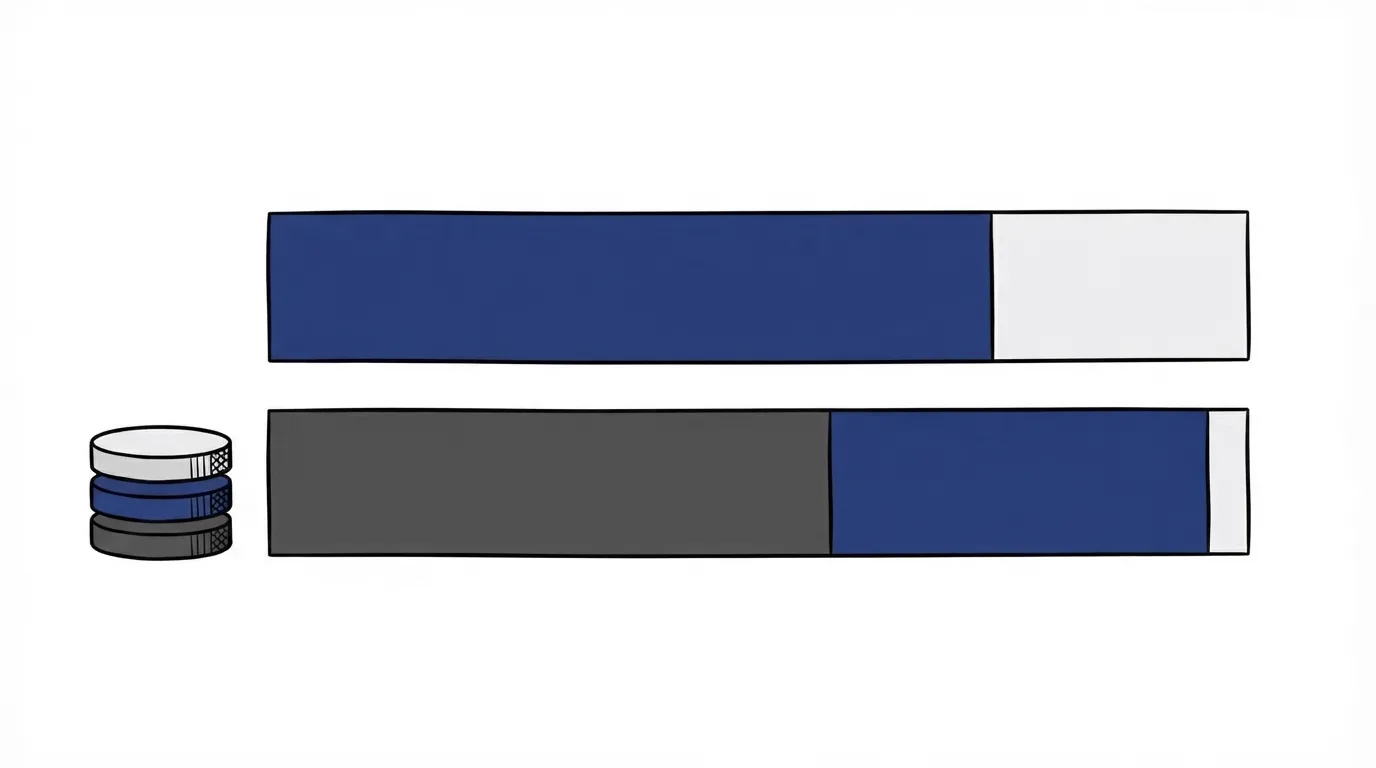
The commission base changes what a 50% rate pays you
The figure you enter is a share of a base. ClickBank, JVZoo and CopeCart EU each define that base in their fee rules.
ClickBank's fee article applies your percentage to a wholesale amount after its fee. On a $100 sale at 50%, ClickBank buys the product at $91.50, which is 92.5% of the price minus $1, and pays the affiliate $45.75. That payment is half of the wholesale amount.
JVZoo's FAQ takes the affiliate share and its fee from the gross amount. On that same sale at 50% with the 5% fee, the affiliate earns $50, JVZoo takes $5, and you net $45.
CopeCart's EU fee article calculates the affiliate percentage on revenue after VAT and its fee. On a €1,190 sale, a 50% rate is half of €940.69, the amount left after VAT and the fee.
| Network | The percentage applies to |
|---|---|
| ClickBank | The wholesale amount after the fee |
| JVZoo | The buyer's full price |
| CopeCart | Revenue after VAT and the fee |
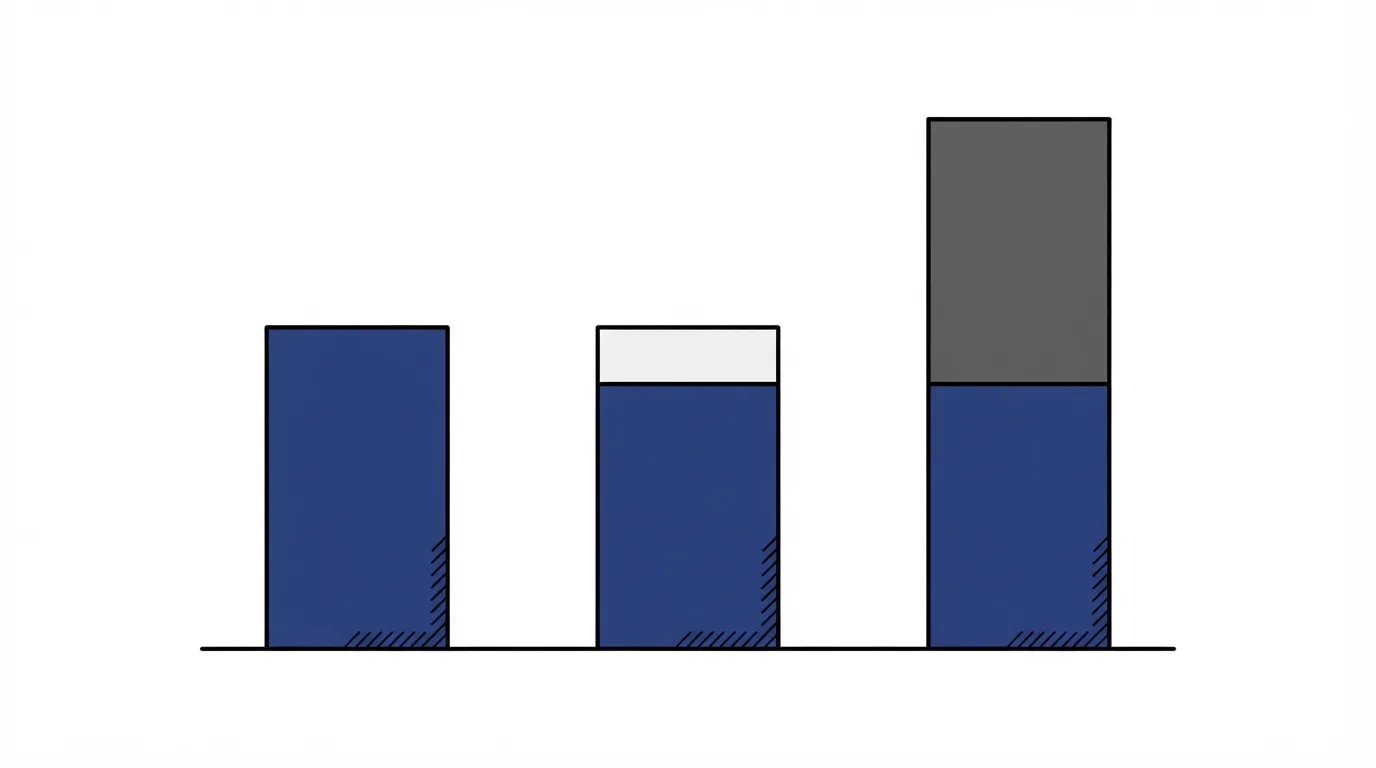
At a $97 price and the same 50% rate, the affiliate network fee calculator leaves the ClickBank vendor about $44.36, with the affiliate near that figure. On JVZoo at 5%, the affiliate's half comes off the sticker price, so the affiliate gets $48.50, the fee is $4.85, and the vendor keeps $43.65.
JVZoo's 5% platform cut is smaller than ClickBank's fee on that sale, and the vendor still keeps less, because the affiliate half and the platform fee both come out of the sale before you are paid. Read the vendor column for your own price before you treat the smaller platform percentage as the better payout.
Affiliate commission rate for a digital product
ClickBank's article on attracting affiliates says they are more likely to promote when the rate is between 50% and 75%. JVZoo calls that span common for digital products. Its FAQ names the opening range as the rate to test on a digital course.
In that FAQ, services and high-ticket offers commonly use 10% to 30%.
In a public reply, one promoter said ClickBank commission is usually 50% to 70%, and that it varies. That reply is one promoter's view, not ClickBank's published band. On a Warrior Forum thread about JVZoo, affiliates said they skip a front end under about 50%, and some want 80% or more when the front-end product is cheap. I'd skip 80% until that calculator shows your share still works for the funnel.
Digistore24's help pages never show the vendor dollars behind a revenue-share percentage once the transaction fee comes out. Once you know that fee, put the price into the calculator from the first section.
ClickBank commission rate for vendors
A new ClickBank product with no product-level rate inherits the account default of 25%, and the commission article says that default is what the marketplace listing shows until you change it. Replace that 25% on the product before the listing goes live, so the marketplace shows the range you chose.
A seller can offer revenue share or CPA, and that article is where ClickBank explains both. Revenue share is a percentage of the base. CPA is a flat fee on the initial sale only, and affiliates are paid on completed sales. The flat fee applies to the first sale. It does not apply to an upsell. ClickBank also requires the account to be active for 60 days or more, with 100 or more initial sales on an approved product in the last 60 to 90 days, and a positive balance. JVZoo stores its own percentage on the product, and you can change it. An upsell pays the figure you enter for that product.
ClickBank's comparison with JVZoo advertises standard commissions of 70% to 90% on the ClickBank side, and 50% to 100% on the JVZoo side. Those percentages come from ClickBank's marketing comparison. The seller help page is where that earlier range is stated. The ClickBank vendor review and the ClickBank pricing page cover the platform fee and the compliance review. The commission you set is a separate choice.
JVZoo commission rate for vendors
When JVZoo processes the payment, the platform fee rises from the 5% in the example above to 8.5%, still calculated on the gross amount. A listing has no setup fee and no monthly fee. Vendors pick the exact percentage and can change it. Many use a rate from 10% to 100%. For a course or a service, use the bands in the section above.
Anything else JVZoo charges is on the JVZoo vendor review and the JVZoo pricing page. If you have not picked a network yet, ClickBank vs JVZoo for vendors compares the two while you set the rate.
When to raise, lower, or switch to CPA
JVZoo tells vendors to raise the rate if promotion is slow, and to lower it once affiliates are already sending steady sales. I'd raise a slow digital offer before I cut a rate that sits on the floor those affiliates named.
Before you switch a ClickBank offer to CPA, the account has to clear the rules in the ClickBank section. The CPA amount is paid on the first sale. Upsells fall outside that amount.
Related
- Per-sale fee breakdown
- ClickBank vendor review
- JVZoo vendor review
- ClickBank vs JVZoo for vendors
- ClickBank pricing
- JVZoo pricing
- Build the JV page affiliates promote from
- How to sell your product on ClickBank
- What each network pays on bumps and one-click upsells
- Vendor guides
- How we research affiliate networks
Sources
- ClickBank: how to set commission
- ClickBank: attracting affiliates
- ClickBank: fees
- ClickBank: ClickBank vs JVZoo
- JVZoo FAQ
- CopeCart EU: fee
- A promoter on usual ClickBank rates
- JVZoo affiliates on the front-end floor
Written by
Vendor Runbook Editorial Desk
Editorial desk
The editorial desk at Vendor Runbook. It sets the testing standard the reviews are held to, signs the pages no single writer owns, and publishes the notes and dates behind every ranking. Corrections go to the contact page and are logged on the page they change.
Last checked 2026-10-18
Comments
No comments yet. Questions and your own experience are welcome.
Thank you. Your comment will appear once it has been reviewed.